

Signing a document yourself
Sign your own line in the document, with or without sending it to others.
- Type / and choose Signature.
- On the new line, choose Sign.
- Adopt your signature: type, draw or upload it, then choose Adopt and sign.
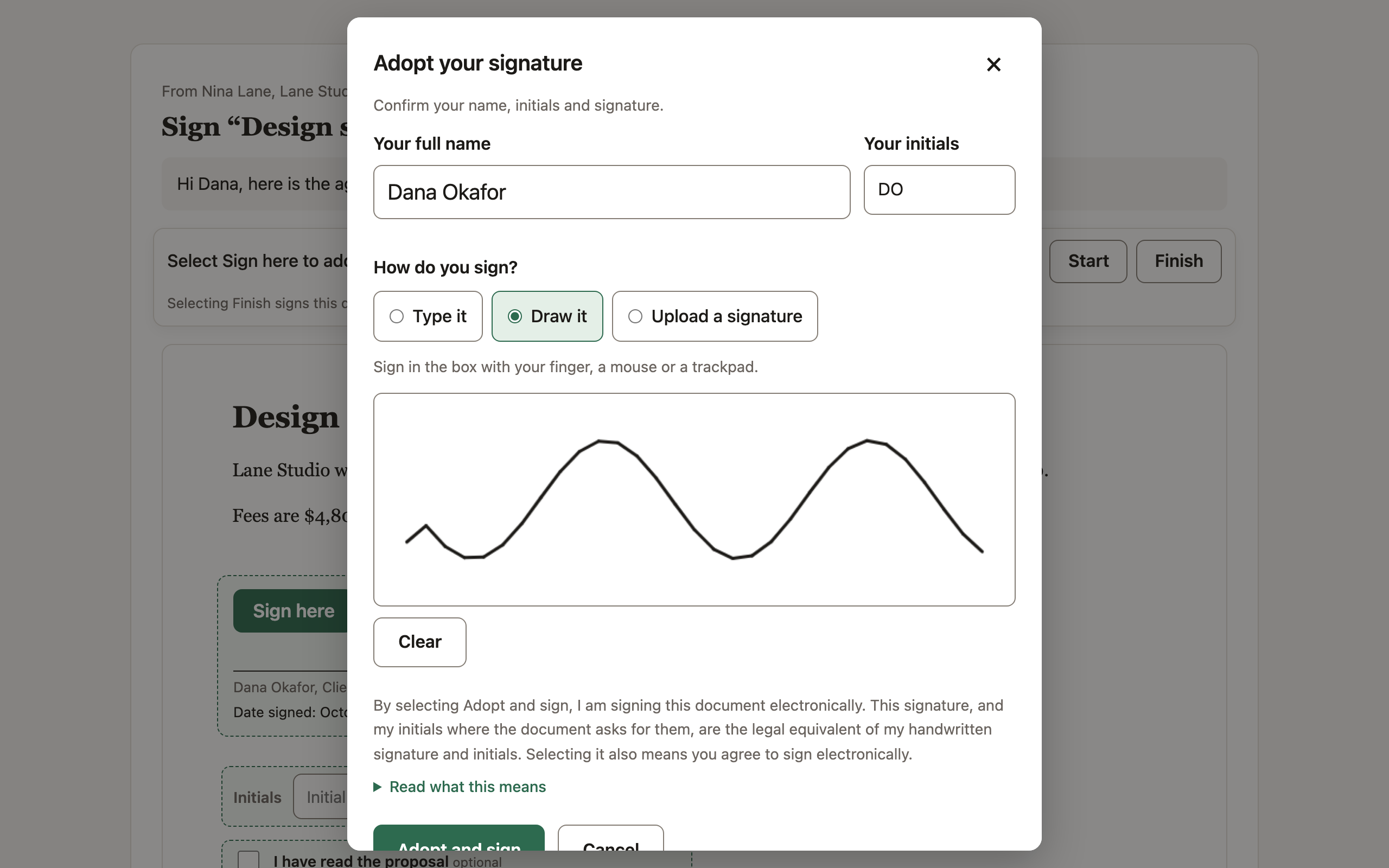
Your line then shows Signed with Pagyra, your signature, a signature ID and the date, with Download the signed copy.
Signing your own line sends no email and doesn’t count toward your monthly signature requests.
If a line was set up for someone else, choose Change, then I’ll sign this myself.
With other signers
You can sign your line first and then send the document for the others to sign. Lines already signed aren’t asked again. When every line in the document is signed, the document locks.
Didn’t answer your question? Email support@pagyra.com.