
Getting started with Pagyra
Create a workspace, write a document and share it, in about five minutes.
Pagyra is a place for your team’s documents: you write, it saves as you type, and the people you invite work on the same page at the same time.
Create your workspace
- Sign up with your email address and confirm it from the email we send.
- Choose what the workspace is for: a team or clients, your writing, yourself, or school. Pagyra sets it up to suit, and you can change everything later.
- For your first workspace, answer three quick questions, or skip them.
- Name your workspace and choose the typeface your documents use. You can change both later in Admin.
- Start on Free, or choose the plan Pagyra suggests and pay at checkout. You can change plan any time in Admin, Billing.
Write your first document
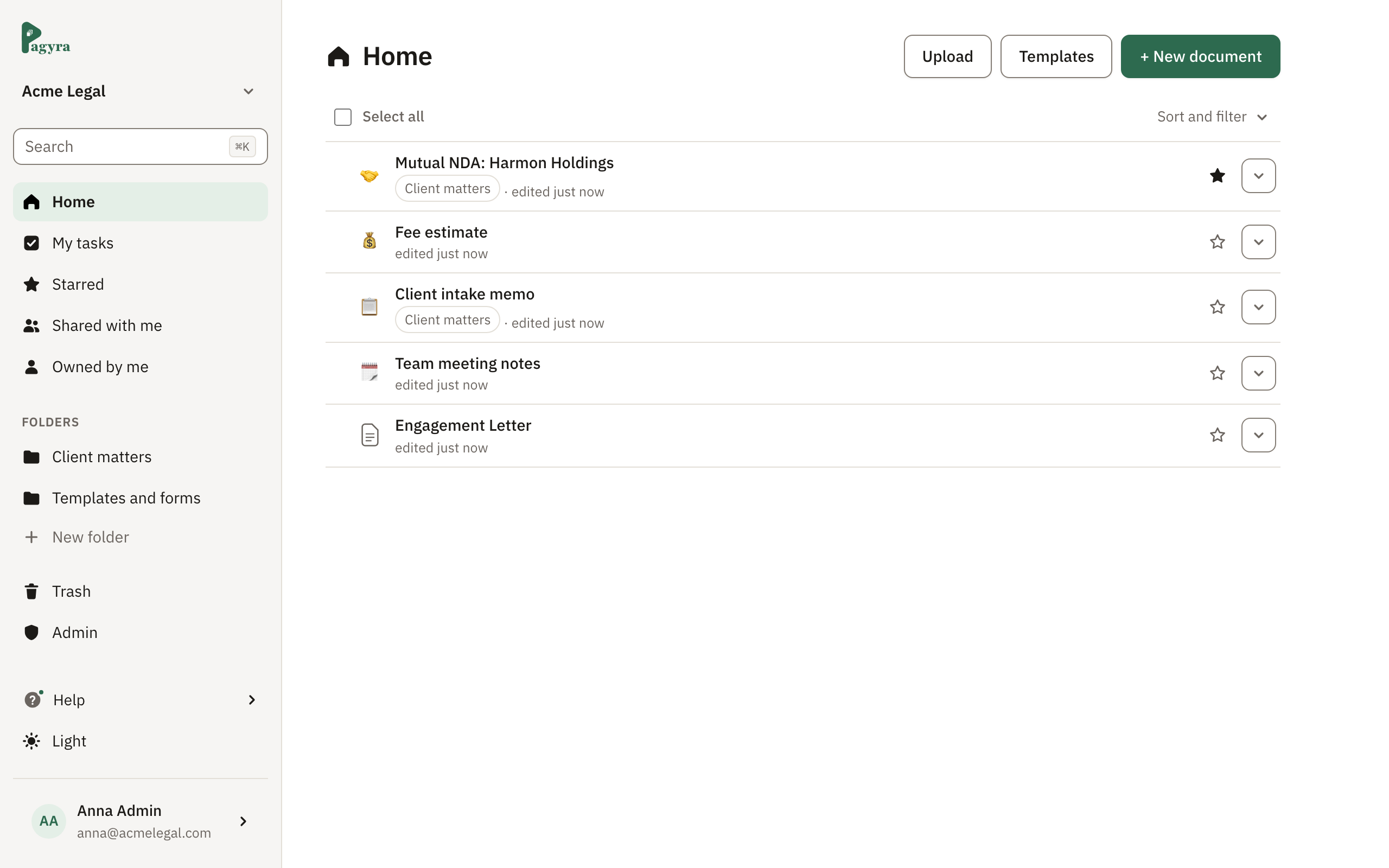
- On Home, choose New document.
- Type a name for it, press Enter, and start writing.
- Type / on an empty line to add a heading, a list, a table, a picture and more.
There is no Save button. Pagyra saves every change within a couple of seconds and shows Saving… and then Saved at the top of the page.
Bring in what you already have
Upload Word, PDF, Markdown, text or HTML files from Home and they become Pagyra documents you can edit. See Uploading, copying and moving documents.
Invite your team
Admins invite people from Admin, Members. Each person gets an email with a link to join. See Roles: admin, editor and viewer.
Didn’t answer your question? Email support@pagyra.com.