

Your email address and the emails we send
Change the email address you sign in with, and choose whether Pagyra sends you news and offers.
Change your email address
- Open Your account and go to Profile.
- Next to Email, choose Change email.
- Type your New email address, and your Current password to show it’s you. If you sign in with Google and have no password, type your current email address instead.
- Choose Send the link.
- Within 24 hours, open the link in the email we send to your new address. Your address changes when you do.
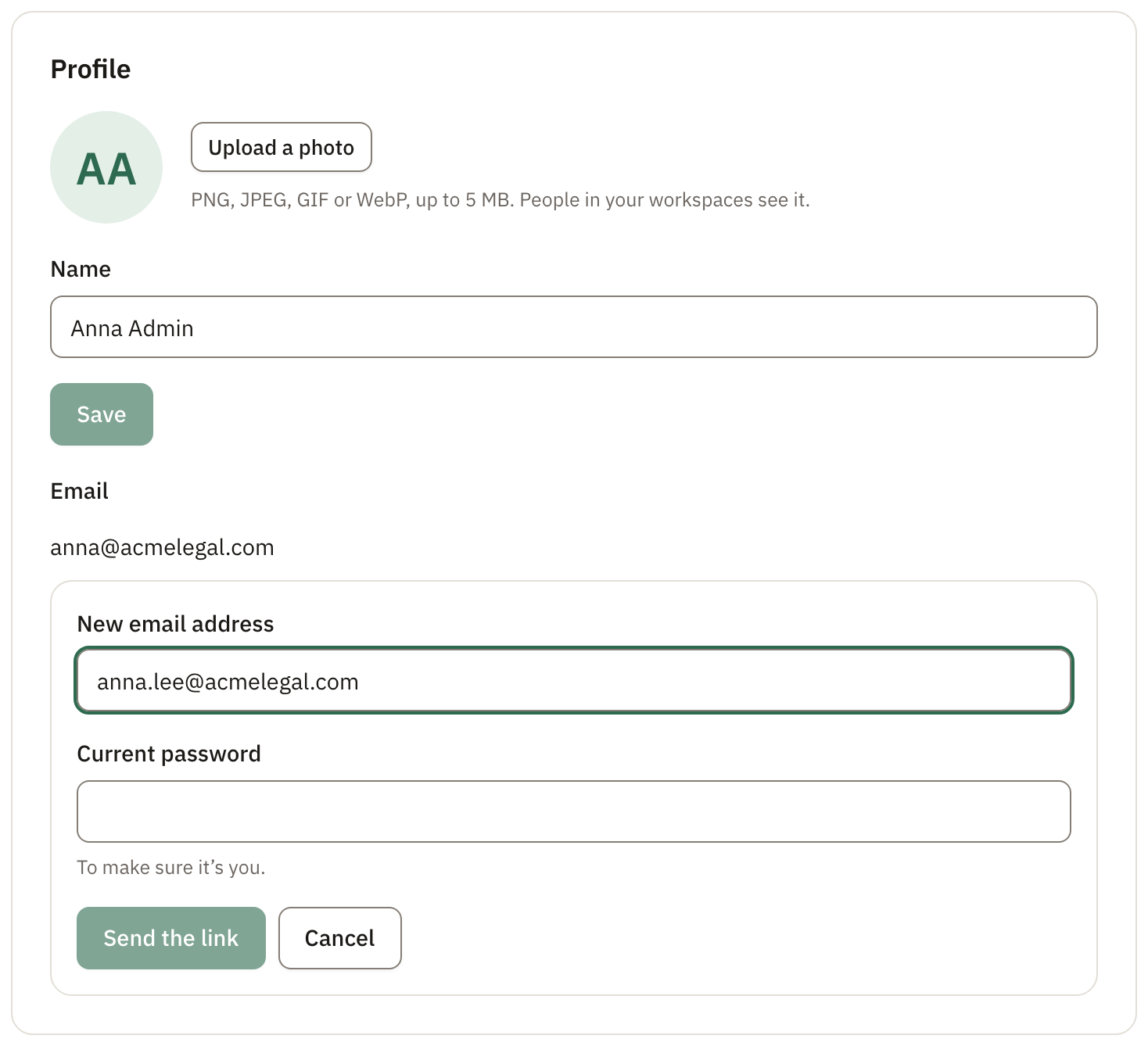
Once it has changed, we email your old address to let you know. From then on, you sign in with the new one.
News and offers
When you sign up, a box lets you choose whether Pagyra sends you news and offers now and then. You can change your mind at any time: in Your account, under Emails, tick or untick Pagyra news and offers.
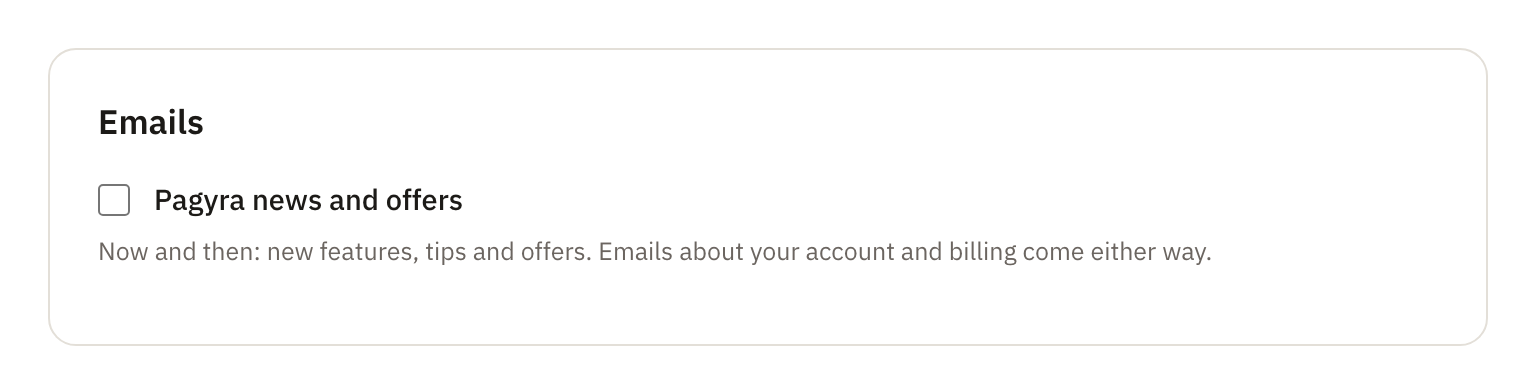
Emails about your account and billing come either way. Every news and offers email also has a link to unsubscribe with one click.
Didn’t answer your question? Email support@pagyra.com.