

Choosing a strong password
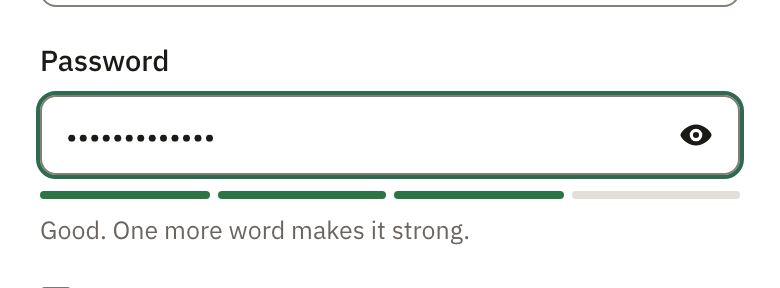
The meter under the password field, and the eye to see what you typed.
When you choose a password, a meter shows how hard it is to guess, with a tip to make it stronger.
- Use at least 10 characters.
- A few words that don’t belong together are easy to remember and hard to guess.
- Pagyra won’t accept the easiest ones, like password123 or your own name.
Select the eye in the password box to see what you typed. Passwords you already have keep working.
If you sign in with Google, Pagyra has no password for you. To sign in with your email too, set one in Your account, Password.
Didn’t answer your question? Email support@pagyra.com.