

Share links for people outside your workspace
Read-only links for anyone, and on Pro comment links with an expiry date and a password.
In Share, turn on the link to let anyone with it read the document, without an account. A link never allows editing.
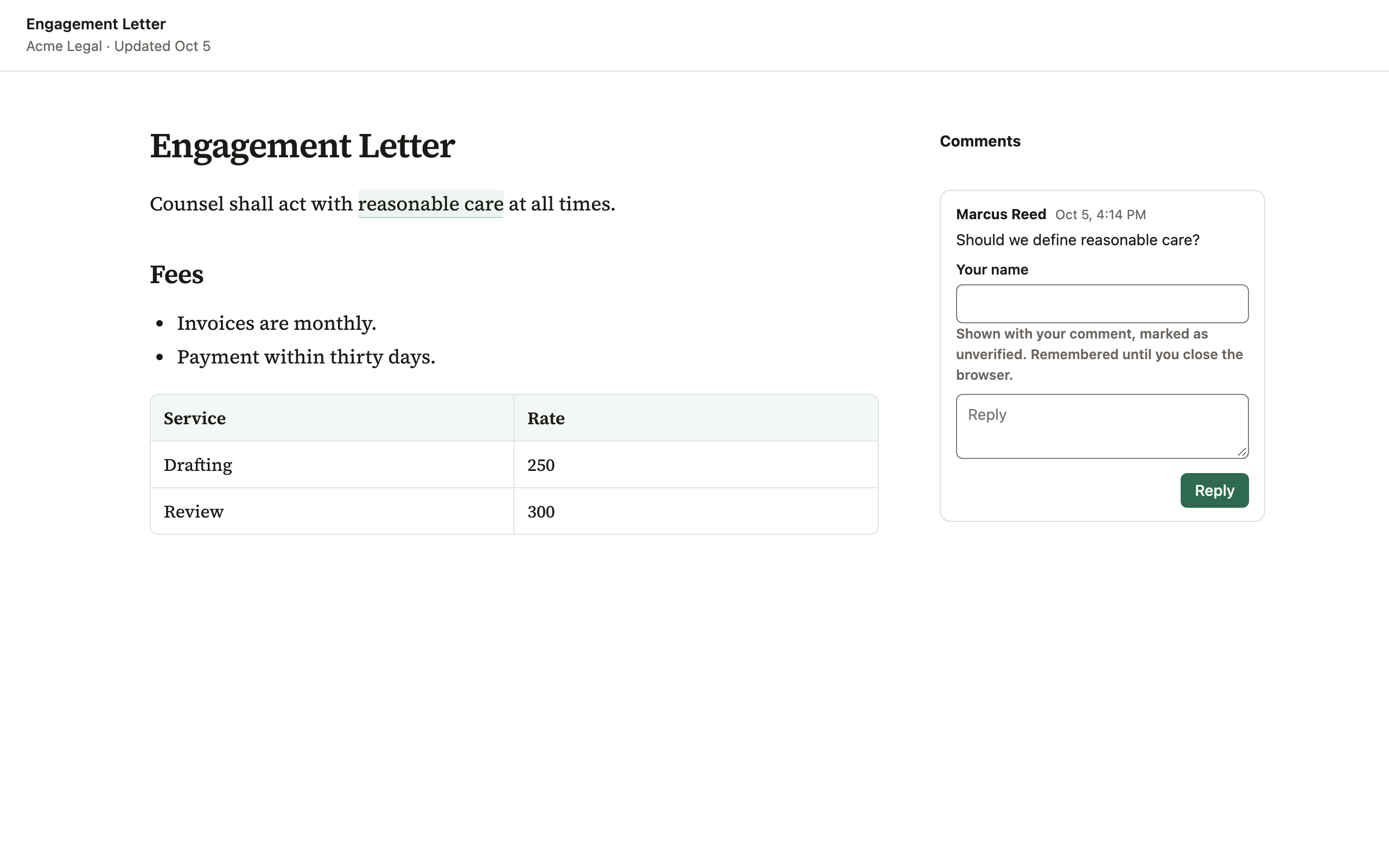
On Pro and Enterprise, a link can also let readers comment, expire on a date and have a password.
Turning the link off stops it working at once. Every visit is recorded, and on Enterprise admins can see it in the audit log.
Next to Share, an eye and a number show how many times the document was opened through its links. Each visit counts once: the same browser coming back within 30 minutes, and link previews in apps like Slack, are not counted. It never shows who read it, and only people who can share the document see it.
Admins can turn share links off for the whole workspace.
Didn’t answer your question? Email support@pagyra.com.