

Tables and totals
Add rows and columns, align them, total a column, and work one out with a formula.
Add a table from the / menu. Click into it to see its controls: the handle beside it opens the table menu, and the + buttons at its edges add a row or a column.
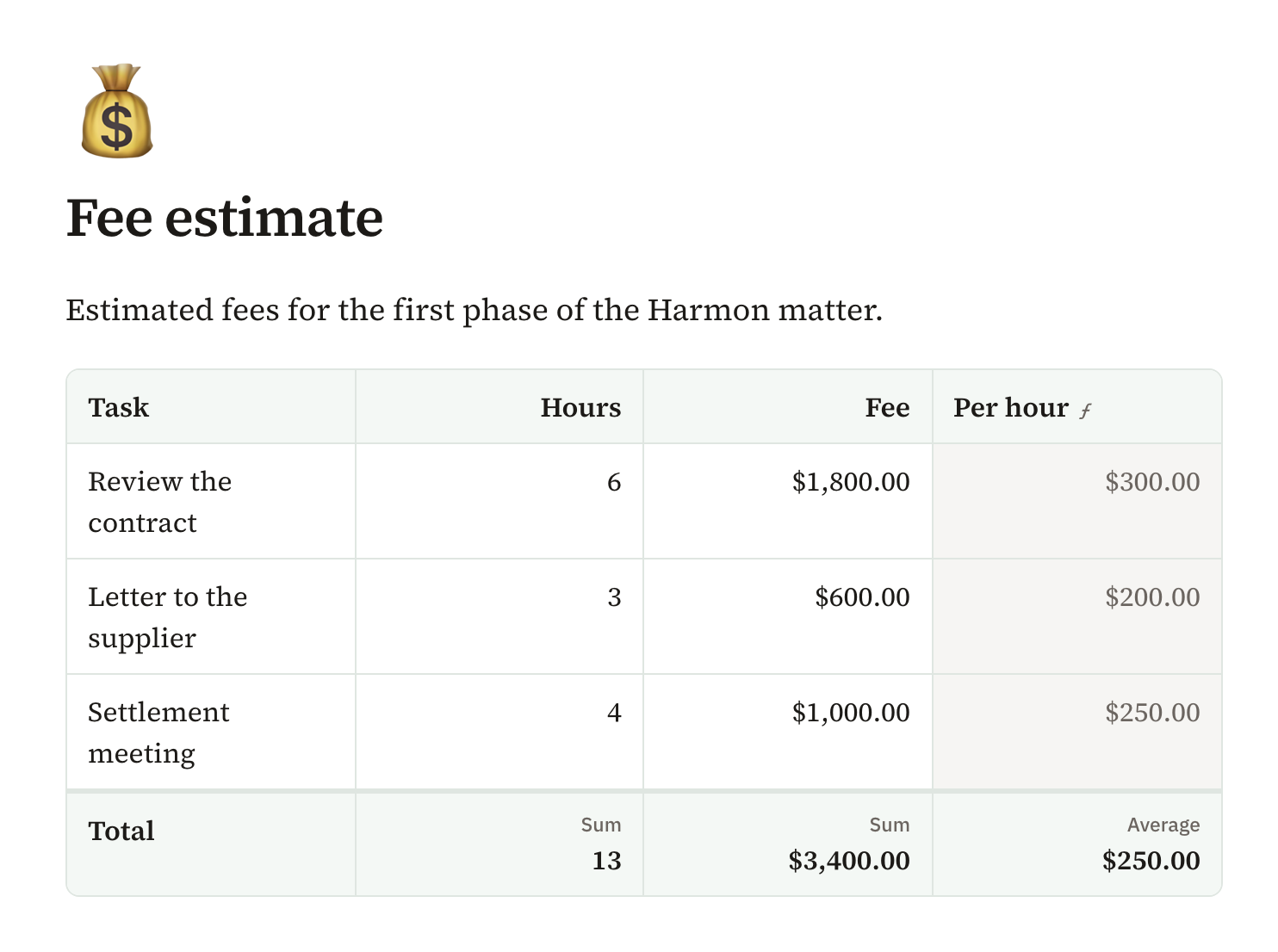
The table menu can align columns and show a footer that totals, counts or averages a column. Pagyra reads the numbers people usually type, such as $1,250.00 or 12%.
Formulas
To work a column out from the others, open the column’s menu and choose Work out with a formula. Write it with the columns’ names, such as Quantity * Price.
- The formula editor shows the result for a row as you type.
- It lists the columns and every function, each with what it does and an example you can put in.
- Functions cover numbers, logic, text, dates and money, and some work down a whole column, such as a running total or a rank.
- With Gyra on, describe the formula in your own words and Gyra writes it.
On a phone, a table keeps its header row and its rows, and a wide one scrolls sideways in its own box. The column menu, with Work out with a formula, opens from the column’s grip, as on a computer.
Didn’t answer your question? Email support@pagyra.com.